Put your letterhead in Word.
Upload your letterhead PDF and get a Word file you can actually type on — no design software needed.
Free watermarked sample — open it in Word before you pay.
What you get
Types in Word
Open it and start typing. No new software, nothing to learn.
Prints clean
300 DPI artwork, sharp on every printed page — not the soft look converters give you.
Locked for good
Your letterhead stays behind the text. It can’t be dragged, edited, or deleted.
How it works
Three steps, in the browser. This is the actual tool, not a mockup.
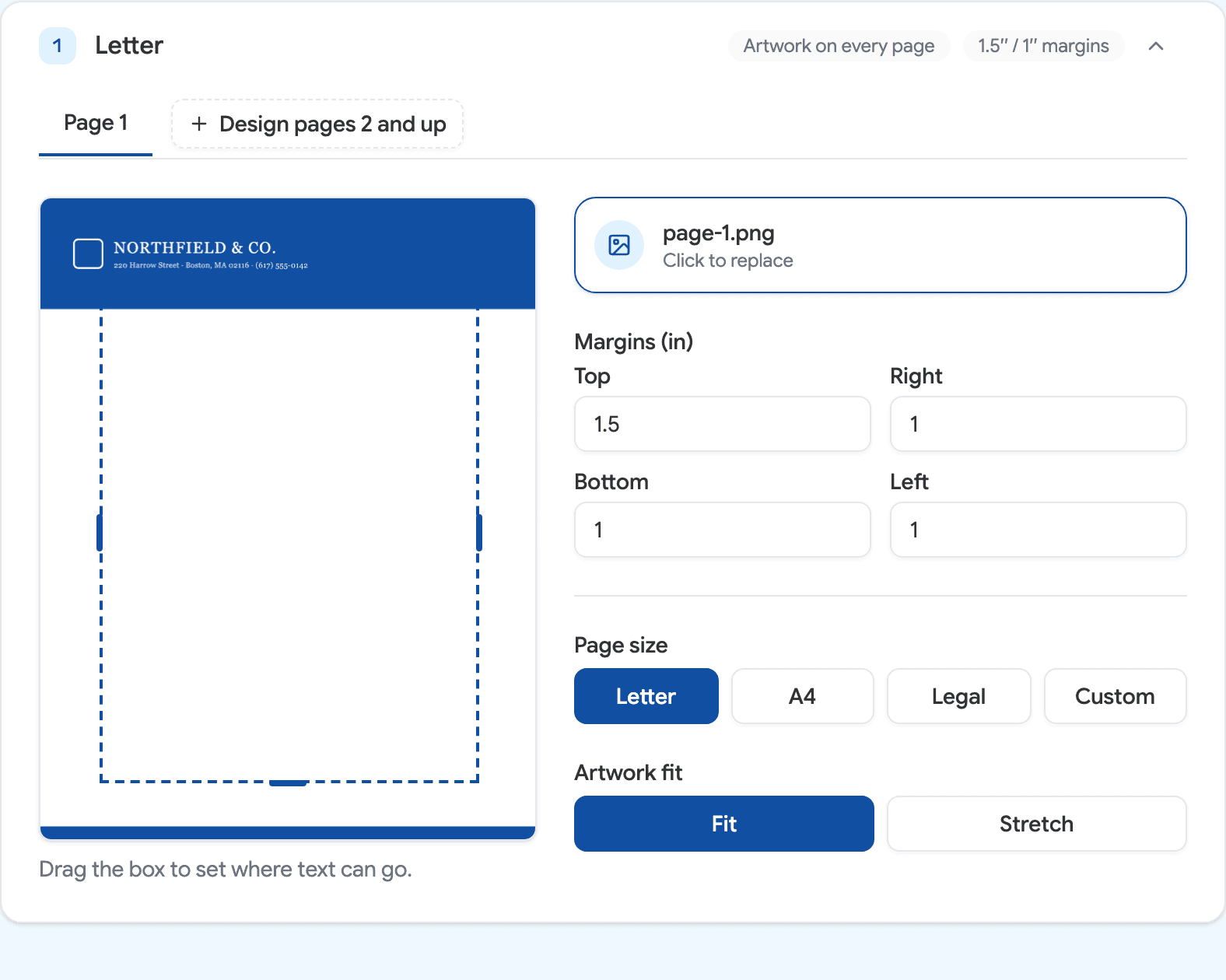
Drop in your artwork
A PDF, PNG or JPG. Drag the dashed box to set where text can go.
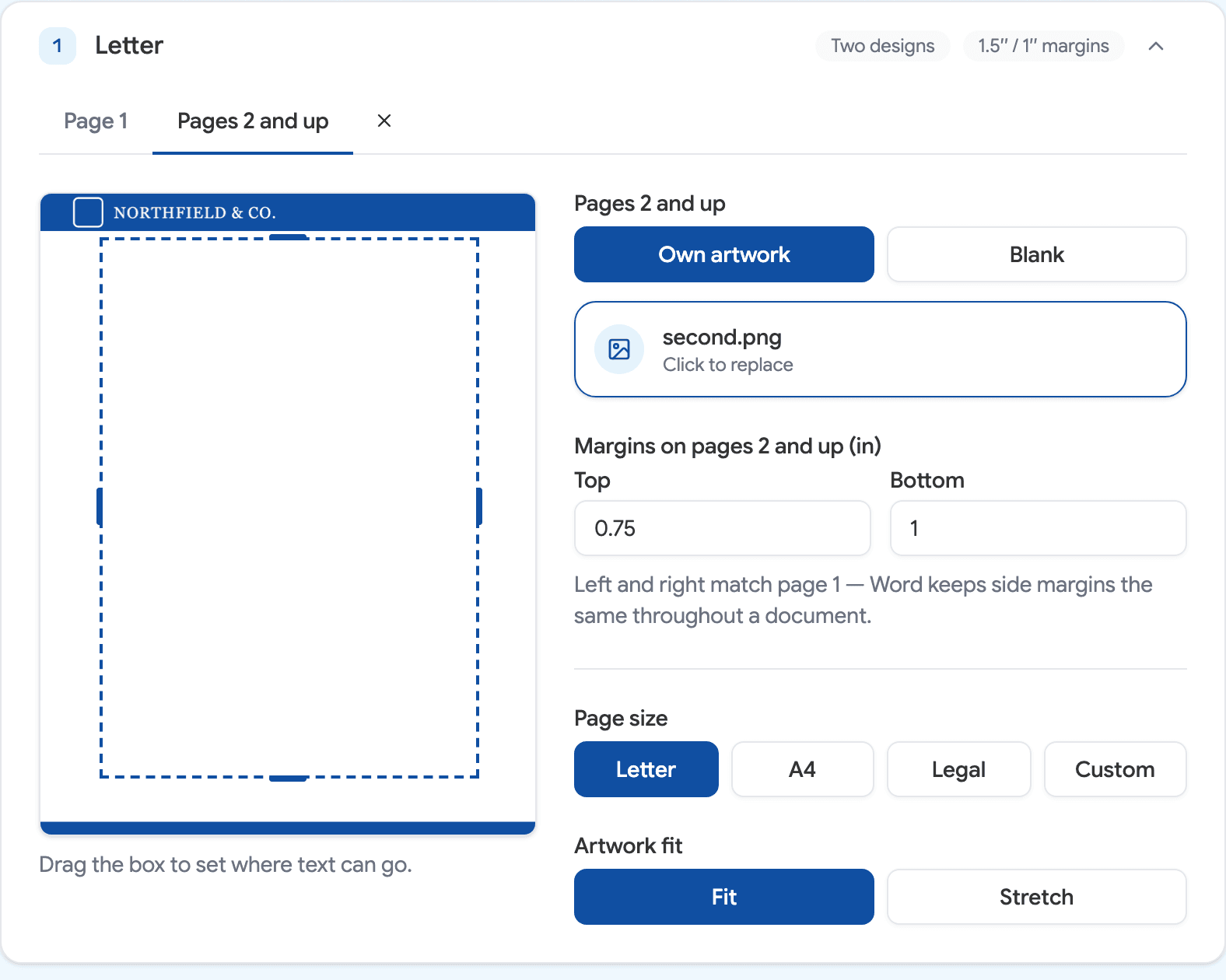
Choose what pages 2 and up show
Repeat page 1, leave them blank, or give them their own design and their own top and bottom margins.
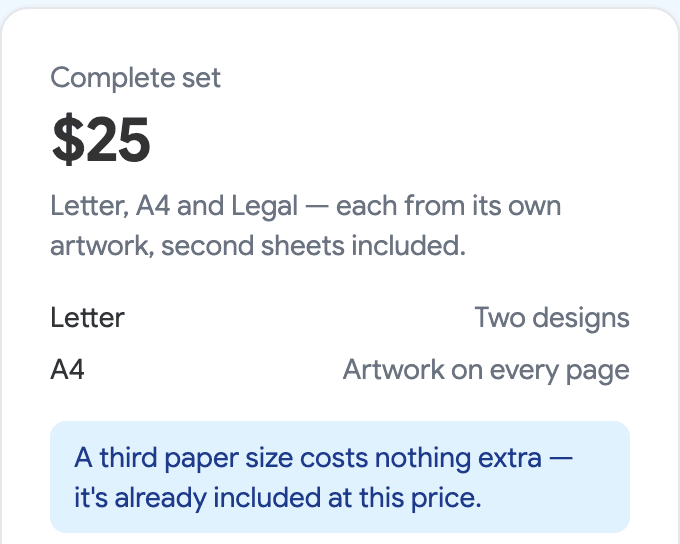
Add the sizes you need
Letter, A4, Legal or custom, each from its own artwork. The price follows what you build.
Try it on your own letterhead
Download a watermarked sample free — pay only when you want the clean file.
Simple pricing
Sample anything for free. You never pick a plan — the price follows what you build.
Sample
$0
Watermarked, but the real thing — open it in Word and print it before you decide.
- Watermarked .docx
- Every page size
- Opens in Word
Single letterhead
$9
One design, one paper size.
- Watermark removed
- Locked & 300 DPI
- Or letterhead on page 1 only
Two designs, one paper size
$15
Your full design on page 1, a lighter one on every page after.
- Everything above
- Your own design for pages 2 and up
- Their own top and bottom margins
Complete set
$25
Letter, A4 and Legal — each from its own artwork, second sheets included.
- Up to three paper sizes
- Own artwork per size
- Delivered as one .zip
Common questions
What is WordLetterhead?
WordLetterhead is a browser tool that turns a designed letterhead — a PDF, PNG, or JPG — into an editable Microsoft Word .docx. The artwork locks behind the text, on every page or on page 1 only; the free sample is watermarked, and clean files start at $9.
How do I put a letterhead in a Word document?
Upload your letterhead PDF or image, set the typing area, and download a ready-to-use .docx with the artwork built in.
How do I convert a PDF letterhead into an editable Word template?
Upload the PDF to WordLetterhead. The artwork becomes a locked, full-page background in a real .docx — you type over it without being able to move or break the design.
Why not use a free PDF-to-Word converter?
Converters rebuild your design as editable text and shapes — fonts get substituted and logos drift. WordLetterhead keeps the artwork exactly as you exported it and locks it behind the text instead.
Will the design stay locked?
Yes — the artwork sits behind the text in the document, so it can’t be moved, edited, or deleted while you type.
Does the letterhead repeat on every page?
By default, yes — the artwork is anchored in the document header, so Word repeats it automatically and page 50 looks like page 1. You can also keep it on page 1 only, or give pages 2 and up a lighter second-sheet design of your own.
Can pages 2 and up have different margins from page 1?
Yes — the top and bottom margins are set separately for page 1 and for every page after it, so a tall first-page masthead does not push the rest of the document down with it. Left and right are shared: Word keeps side margins in one place for the whole document, and a letterhead has to stay a single section for text to flow past page 1.
Will it print correctly?
Yes — the artwork is embedded at 300 DPI using the header technique that prints by default. On screen, Word shows header artwork slightly faded while you type; it prints at full strength.
What page sizes work?
Letter, A4, Legal, and custom sizes — all included, free, and sized correctly.
Which versions of Word does it work with?
Word 2016 or newer, on Windows and Mac. Google Docs and Apple Pages usually open the file too, but Word is what we build for.
Does my file get uploaded?
Your file stays in your browser. The paid clean file is assembled on our server at checkout and is never stored.
How much does it cost?
The watermarked sample is free — no account, no email. A clean file is $9 for one design in one paper size, $15 if you add a second-sheet design for pages 2 and up, and $25 for a set of up to three paper sizes. One-time payment, no subscription.