Letterhead in Word, solved
From the team behind WordLetterhead — the two-minute way to turn your letterhead PDF, PNG, or JPG into a locked, editable Word file. Free preview before you pay.
What Letterhead in Word Costs: The Whole Price List
The sample is free. The file is $9, $15, or $25, once. Which one you pay is decided by what you build, not by a plan you pick.
Which Letterhead File Do You Need? Two Questions Decide
What happens after page 1, and how many paper sizes the office prints on. Answer those two and the file — and the price — is decided.
One Letterhead, Letter and A4: Building a Two-Size Set
Letter and A4 are different geometry, so they are different files. Build them together from one design — two sizes and three cost the same.
Second Sheets Need Their Own Margins in Word
Page 1 loses two inches to the logo block; the second sheet loses half an inch. Top and bottom margins can differ. Left and right cannot.
Starting a Law Firm? The Letterhead Step Everyone Skips
The launch list covers the entity, the insurance, the website — and misses the file every letter is typed on. Two minutes, day one.
The Rebrand Checklist Item Everyone Forgets: Your Word Documents
Website, signage, and signatures all get updated. The Word file every letter is typed on has no owner — so it keeps sending the old logo.
Starting an Accounting Practice? Set the Letterhead Up First
Everything you set up in the quiet months gets multiplied by busy season — including the file your engagement letters are typed on.

Starting a Nonprofit? Your Letters Need Letterhead First
Acknowledgments, grant cover letters, board letters — they all start immediately, and they all belong on organization letterhead.
Got a JPG or PNG Letterhead? How to Use It in Word
An image letterhead is fine — pasting it isn’t. Lock it in the header, check one resolution number, and it prints crisp.
Letterhead Looks Faded in Word? Here’s What’s Actually Wrong
Faded on screen usually prints perfectly — Word dims the header while you type. Faded on paper means watermark. One test page tells you.
Second-Page Letterhead in Word: Make Page 2 Match (or Not)
Page 2 is decided by which header the artwork lives in. Full repeat, clean continuation, or a lighter design — all one mechanism.
Letterhead Sizes: Letter, A4, and Legal Specs for Word
US Letter 8.5×11 in, A4 210×297 mm, Legal 8.5×14 in — with the 300 DPI pixel numbers that print crisp. One spec table.
Letterhead in Google Docs: What Works and What Doesn’t
Docs rebuilds Word files with its own engine — locked letterhead may not survive. The honest rundown, and a free way to test yours.

Law Firm Letterhead in Word: Locked, Every Page, No Rebuilds
Engagement and demand letters live in Word — the letterhead should too, locked where associates can’t nudge it. Set up once.
Engagement Letters on Your Firm’s Letterhead in Word
Busy season multiplies whatever letter file you start with. Lock the letterhead in the header once, before the batch goes out.

Donation Thank-You Letters on Letterhead, Mail-Merge Ready
Acknowledgment letters are official records — they belong on letterhead. One $9 setup covers typed letters and the year-end mail merge.

The Client Wants Their Letterhead in Word. Now What?
Don’t decline it, don’t hand-build it. Turn the print PDF you already exported into a locked Word file the client can’t break.
The Designer’s Letterhead Handoff Checklist
Print PDF, screen PDF, source file — and the working Word file most packages are missing. Four files, each with one job.
Your Client Keeps Breaking Their Word Letterhead. Here’s the Permanent Fix
It isn’t the client — it’s the file. Artwork in the editable layer breaks on schedule; artwork in the header layer can’t be touched.
.docx or .dotx: Which Letterhead File Should You Hand a Client?
The extension changes how the file opens, not how the letterhead behaves. Decide the artwork first; the .dotx is one Save As away.

Making a Letterhead in Word Yourself: What It Actually Takes
Word has the machinery, and DIY is possible — it’s just expensive in afternoons and re-dos. The honest math on doing it yourself.
Letterhead in Word: Every Method Compared (and What Actually Prints)
Four ways to get letterhead into Word, three fail at the printer or on page 2. One table settles it.
How to Lock a Letterhead in Word So No One Can Move or Delete It
Asking people to be careful isn’t a lock. The header layer is — while anyone types, the artwork can’t even be selected.

How to Use a Canva Letterhead in Word (Without It Jumping Around)
Pasted into the body, the design moves with every keystroke. Locked in the header, it never does. Two minutes fixes it.
Why PDF-to-Word Converters Ruin Letterheads (and What to Do Instead)
Fonts swap, layouts shift, artwork shatters into text boxes. Converters aren’t broken — they’re built for the wrong job.
Your Designer Sent a PDF Letterhead. Here’s How to Use It in Word
Converters wreck the design — fonts swap, layouts shift. What works is a locked header image, and that takes two minutes.
Letterhead Disappears When You Print? It’s Not Your Printer
Faded on screen is a false alarm — it prints at full strength. Truly missing? The design sits in a layer Word won’t print by default.
Letterhead Margins in Word: Put the Text Where the Design Wants It
The margins aren’t Word’s default box — they’re wherever the design left room. Drag the typing area once and text lands inside the design.
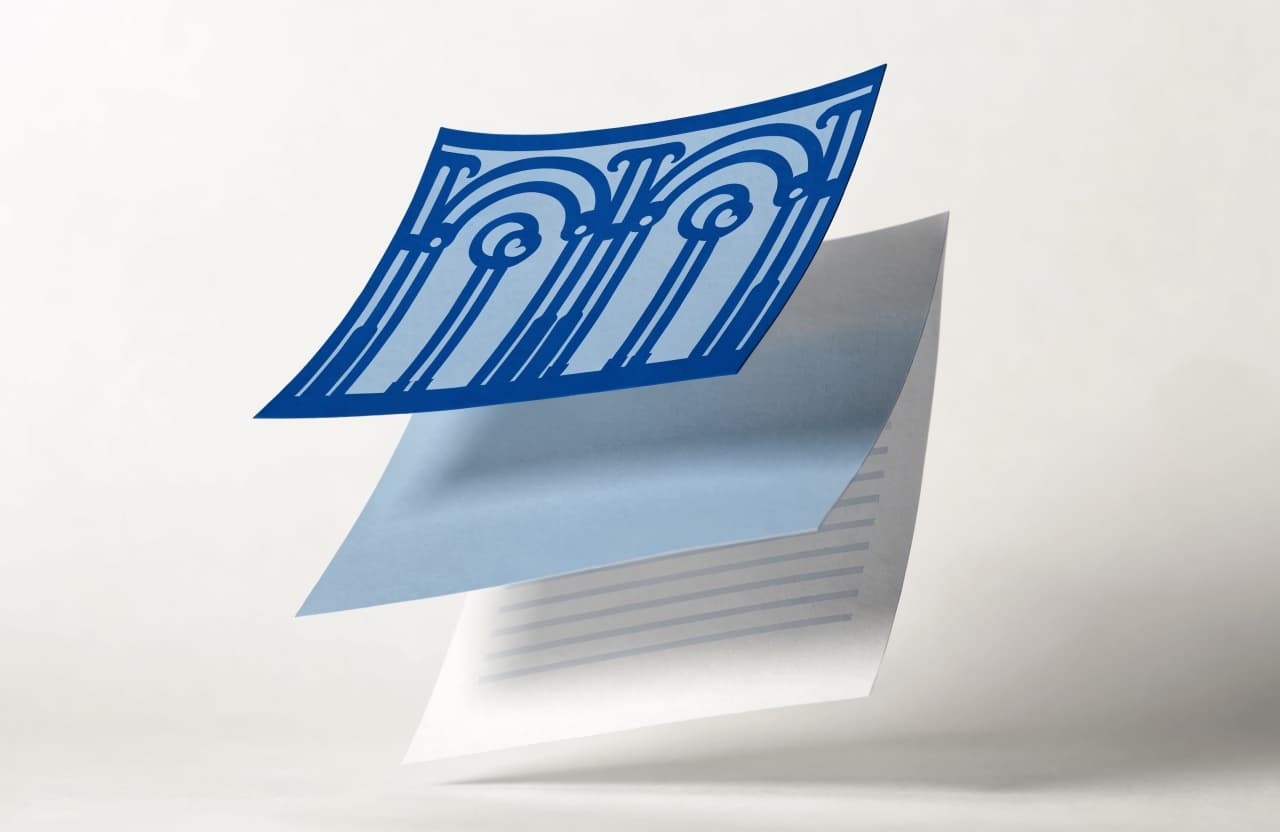
How to Put a Letterhead on Only the First Page in Word
One checkbox splits page 1 from the rest — tick it from the wrong header and your letterhead vanishes. Here’s the right way.